
Your product library has three versions of “Implementation,” two retired support packages, and a product called “Special price for Dave.” The next sales rep has to choose one. Dave is not available for comment.
Before you redesign the quote template, decide which offers belong in your shared catalog and which details belong only on an individual quote. A useful product library gives reps a consistent starting point without pretending every customer buys exactly the same thing.
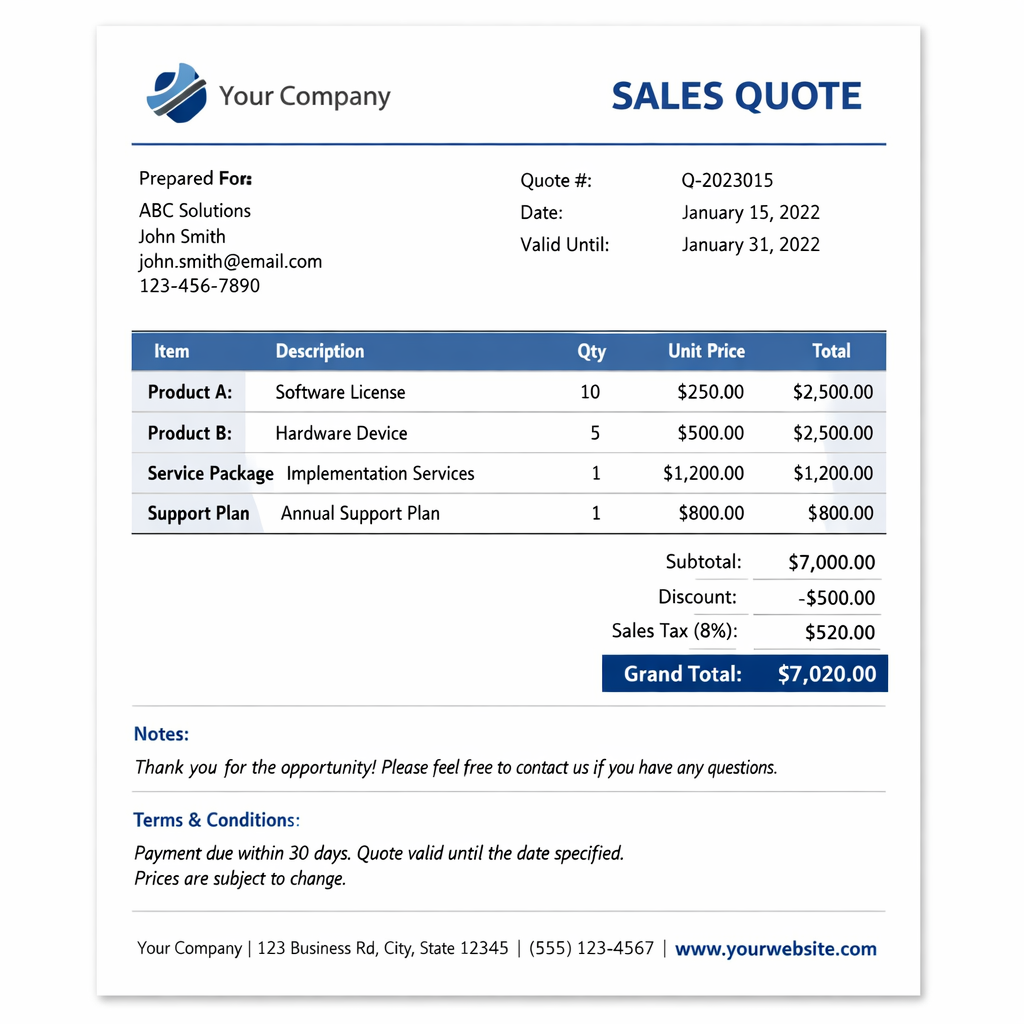
Separate the standard offer from the customer agreement
HubSpot’s product library stores the goods and services you sell. When you add a product to a quote, the resulting line item belongs to that record. You can also create a custom line item for a particular quote. These are different jobs, even when the names look identical.
Think of the product as your approved starting point and the quote line item as the specific offer being made to the buyer. HubSpot’s line item documentation explains how those individual records work.
This distinction gives you a practical rule: put repeatable offers in the library and keep customer-specific exceptions on the quote. If the exception becomes something you sell regularly, review it as a candidate for the catalog.
Decide what deserves a product record
A product should be recognizable to the next person who sells it. The name, scope, pricing basis, and billing frequency should make sense without a conversation with the rep who created it.
Use the library for repeatable offers
A standard onboarding package, a software license, or a monthly support plan is a good candidate when the underlying offer is consistent. You can still review customer-specific terms during quoting. The catalog should explain what the team normally sells.
For each offer, agree on a buyer-facing name, a clear description, and the meaning of one unit. One unit might be a user, a location, a session, or a complete project. Write that down before someone quotes ten projects when they meant ten hours.
Use a custom line item for a real exception
A one-time workshop with an unusual scope may belong only on that customer’s quote. Creating a permanent product for every negotiated exception can turn the library into an archive of old conversations.
HubSpot’s current quote editor lets you select products from the library or create custom line items. It also offers a checkbox to save a custom line item to the product library. Treat that checkbox as a deliberate catalog decision.
Creating custom line items requires the appropriate permission. Confirm which quote experience and permissions your team uses before documenting the exact clicks.
Agree on the fields before importing the catalog
Start with a small set of offers your team sells often. Review them with sales and the person responsible for delivery. Finance should confirm the intended pricing and billing setup. This is an operating decision before it becomes a data-entry job.
- Name: Use wording that both the rep and the buyer can understand.
- Description: State what is included and identify any important scope boundaries.
- Product identifier: Use a consistent SKU convention where your business needs one. Keep the same identifier meaningful across connected systems.
- Unit: Define what the quantity counts and include that explanation in the appropriate description or property.
- Pricing and billing: Check the currency, approved starting price, and whether the charge is one-time or recurring.
- Catalog owner: Name the person who approves changes and decides when an offer should stop being sold.
HubSpot provides native tools for creating, editing, and deactivating products. Its product management guide also covers custom product properties. Use those capabilities before commissioning a separate catalog application.
Keep quote edits from becoming catalog confusion
Editing a quote line item does not change the product library. That is useful when a particular agreement needs a different price or description. It also means a correction made on one quote is not a catalog cleanup.
Suppose a rep spots an outdated service description while preparing a quote. Decide whether the problem affects only this agreement or the standard offer. Fix the quote for the buyer, then route any catalog correction to its owner. Otherwise, the next rep starts with the same mistake.
Also avoid assuming that deal and quote line items are one shared record. HubSpot creates separate line item instances, and its documentation describes cloning and updates at specific stages rather than continuous synchronization. Check the quote the customer will actually receive.
Test a small set of quotes before rolling it out
Use internal test records to walk through your common sales scenarios. Agree on the expected result first, then compare the draft quote with that expectation. Include a colleague who did not build the catalog.
- Standard sale: Can a rep find the right offer without selecting a retired or similarly named product?
- Negotiated exception: Can the team identify the changed terms and keep the exception from becoming an accidental catalog entry?
- Mixed charges: Are the one-time and recurring components understandable to the buyer?
- Quantity change: Does the total reflect the intended unit and pricing model?
- Handoff: Can the delivery team understand the agreed scope from the quote without reconstructing the sales conversation?
Keep the first review narrow. A short catalog with clear ownership is easier to maintain than a long one nobody trusts. Add complexity when a real selling requirement justifies it.
Build custom quote features around a clear catalog
Some businesses need more than standard quoting. Our overview of HubSpot CPQ quotes and custom modules explores that next layer. Start by identifying the specific requirement the native tools cannot meet.
A custom layout can explain a complex offer. It cannot decide whether two products mean the same thing. Settle the catalog rules first so the design and any later integration have reliable information to work with.
No Bounds Digital helps teams connect their sales process, product data, and HubSpot quote setup. Schedule a call to review your catalog and decide what your quoting process actually needs.