
A sales rep has a quote ready to send. The price is within policy, the payment terms are standard, and the product mix is familiar. It still needs three people to approve it.
Meanwhile, a different quote includes a heavily discounted service line and a promise nobody in delivery has seen. That one looks ordinary at the total level.
Quote approvals work best when the rule describes the exception you care about. Start there. A longer approval chain does not automatically produce a better decision.
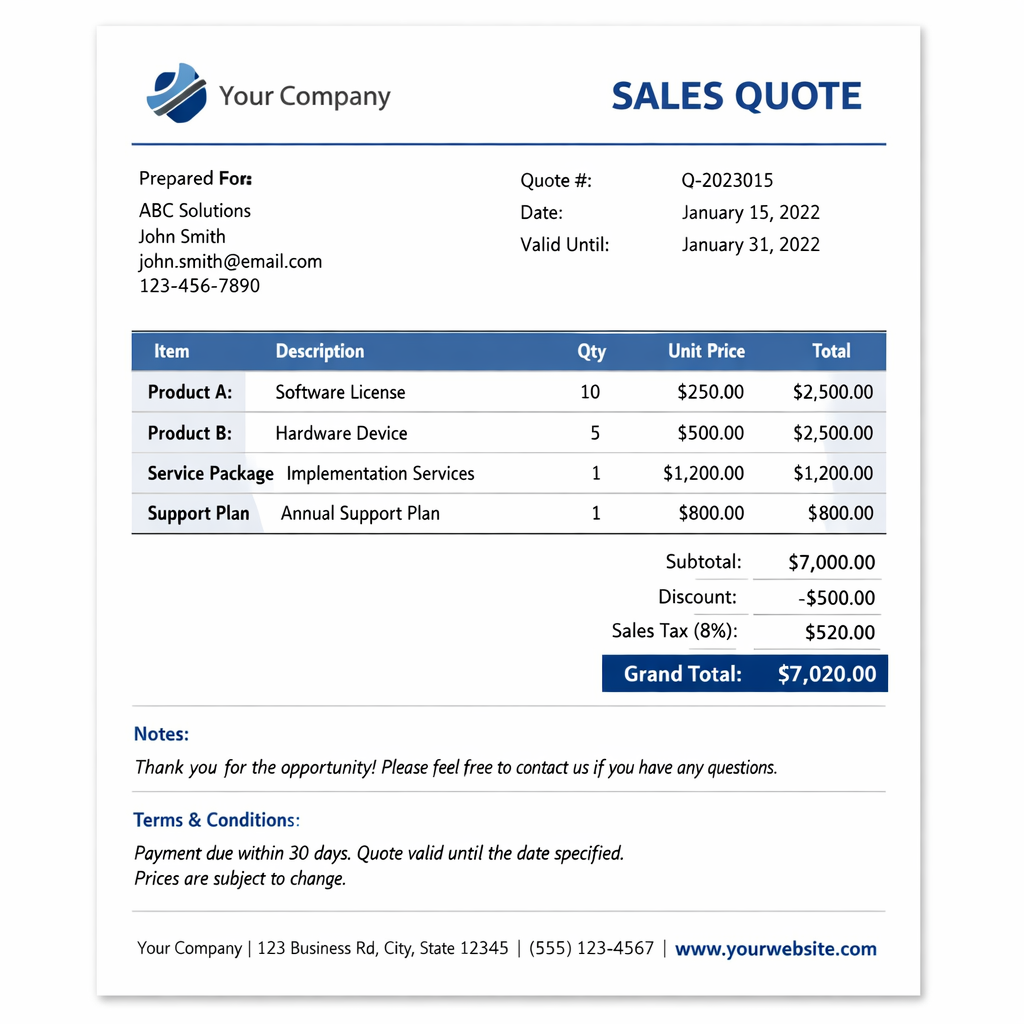
Write the exception before building the rule
Gather a small sample of quotes your team approved, rejected, or sent back for changes. For each one, identify what actually needed a decision. Separate commercial judgment from missing information. An approver should not have to become a detective to find the proposed payment terms.
Write each proposed rule as a sentence that a sales rep and a finance manager would interpret the same way. For example:
- Discount exception: A service line discounted above the agreed limit needs a sales manager's review.
- Payment exception: A request for longer payment terms needs finance to decide whether the business can accept it.
- Product exception: A quote containing a particular service needs the delivery lead to confirm the scope.
These are example policies, not universal thresholds. Choose limits based on your margins, delivery commitments, and buying process. Document who owns each policy and when it should be reviewed.
Check the native approval options first
As of October 22, 2026, HubSpot's quote approval documentation covers the current CPQ quotes tool in Revenue Hub Professional and Enterprise. Advanced approvals require Enterprise. Legacy quotes have a separate approval setup.
Standard approvals use property filters and can require one approver or all selected approvers. Advanced approvals add workflow rules and sequential review. The two modes cannot be active together.
Start with standard approvals if one set of filters and reviewers can express your policy. Use advanced approvals when the decision genuinely needs different routes or an ordered handoff. A simple policy does not improve when you give it twelve branches.
Before planning custom development, write down the exact requirement the native setup cannot meet. A request for a nicer quote layout is a different problem from deciding who may approve a discount.
Make the property match the policy
HubSpot's approval property guide lists quote amount, quote and line item discounts, SKU, billing frequency, and net payment terms among the available criteria. Pick the property that describes the exception, then check its actual value on a sample quote.
A policy about a discount on any service line needs a different test from a policy about the quote's overall discount. A large, full-price software line can make a discounted service line look less remarkable when someone scans the total. Do not assume a total-level check protects every individual line.
For a hypothetical policy requiring review above a 15 percent line item discount, test 14.9 percent, 15 percent, and 15.1 percent. Decide explicitly whether the boundary itself requires approval. Translate that decision into the filter.
Also check how your team identifies products. If every rep names the same service differently, a product-specific rule becomes harder to maintain. Our guide to HubSpot quote line items and the product library explains how to separate reusable products from quote-specific changes.
Give each reviewer a specific decision
Choose reviewers by what they can authorize. A sales manager may own the discount decision. Finance may own payment terms. Delivery may need to confirm that the promised work fits the quoted scope.
Write the review request so it answers three questions: what changed, which policy it exceeds, and what decision is needed. Include the reason for the exception where the reviewer can find it. Forwarding a quote with the message 'thoughts?' creates work for everyone except the sender.
Decide whether reviewers are substitutes or separate authorities. Two managers who can make the same commercial decision may provide coverage for each other. Sales and finance may each have a different decision to make. Choose the approval requirement accordingly.
Plan for absence before someone goes on vacation. Name a backup, agree on a response expectation, and explain how the sales team should escalate a stalled request. Avoid solving every absence by adding another permanent approver.
Test the routes that should stay quiet
Use test quotes in a suitable test environment before changing the live approval process. Write down the expected reviewer and result before running each case. Keep test quotes away from real buyers.
- Routine quote: Standard pricing and terms follow the intended path without unnecessary review.
- Boundary quote: Values just below, at, and above a threshold behave exactly as the written policy says.
- Mixed quote: One exceptional line among ordinary lines still gets the required attention.
- Overlapping exceptions: A discount and unusual payment terms reach the people responsible for both decisions.
- Missing information: Blank values produce a deliberate outcome rather than an accidental pass.
- Changed quote: A revision after review is checked against the team's policy for approving changes.
For advanced approvals, inspect every route into Start quote approval flow. HubSpot documents that a quote is automatically approved if no approval step has been added before that action. Also test quotes created by approvers: in standard approvals, a sole approver's own quote skips approval.
Record what actually happens. A diagram with reassuring arrows is not a test result.
Review the approval queue as a business process
After rollout, sample the requests that take longest or repeatedly come back unchanged. Check whether the cause is a missing explanation, an unavailable reviewer, or a rule catching ordinary work.
Agree on a short review period and look at time waiting, requests returned for missing information, and exceptions that led to a meaningful change. You can start with a simple review log. You do not need a custom reporting project to discover that every request is waiting for the same person.
Adjust the policy deliberately. If a common exception becomes acceptable standard practice, update the rule and tell the team. If the risk remains, keep the review and improve the information arriving with it.
Build an approval process people can explain
A useful quote approval setup lets a rep explain why a quote needs review and lets the reviewer explain what they are deciding. Keep the rules close to the commercial policy, start with native HubSpot features, and test the cases that are easy to overlook.
Need help translating your quote policy into HubSpot? Talk with No Bounds Digital about the rules, reviewers, and exceptions your team actually needs.